Loved by 2,000+ creators
Make your videos look
professional, on autopilot.
beGraphic turns any footage into polished posts in minutes, with clean cuts, high-end captions and graphics that look made for you.
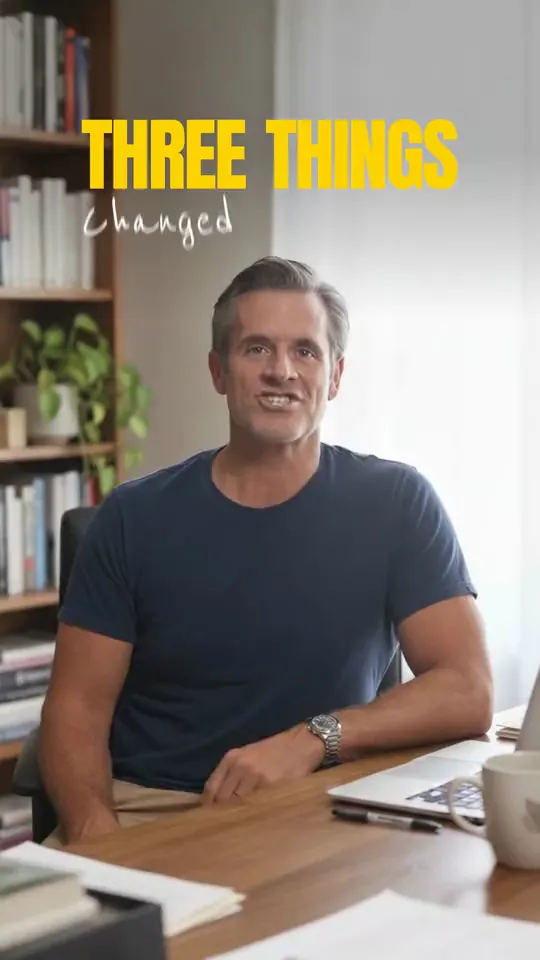
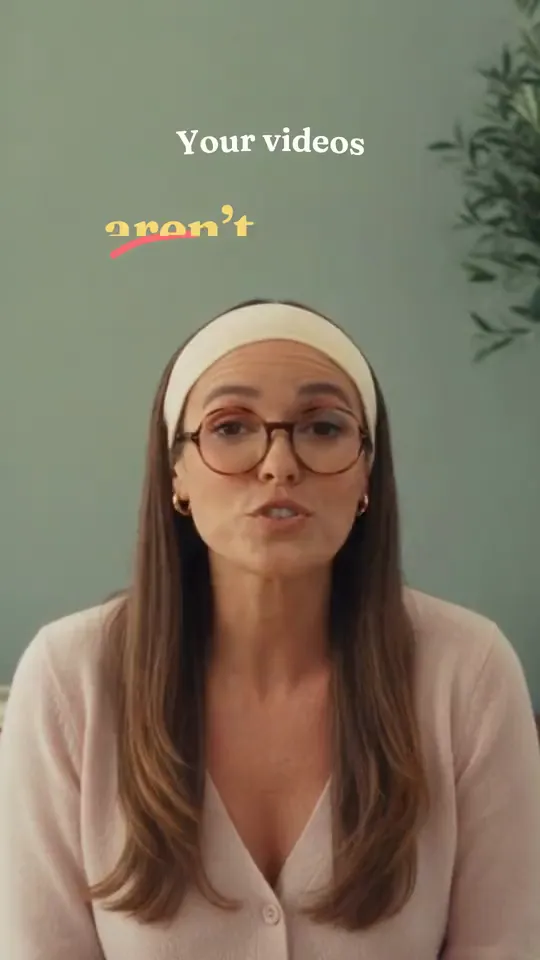
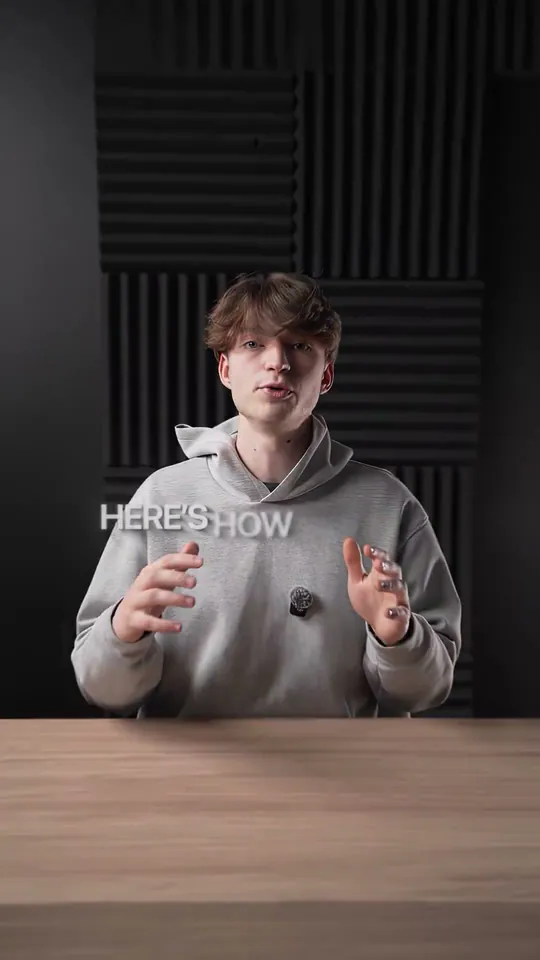
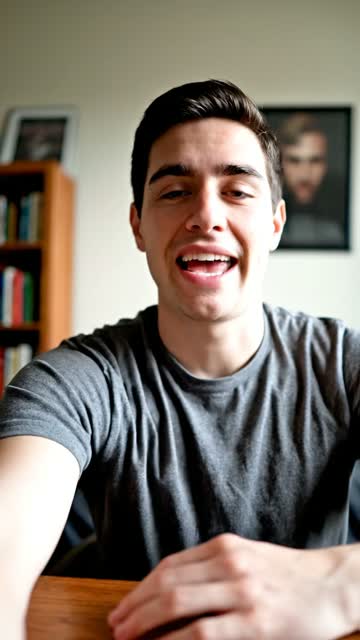
“I'm a founder, so content was always the thing I ran out of time for. Now the editing is off my plate and I post far more than I used to. I'd tried a few other tools before and none of them stuck - this is the first one I trust completely with my content.”
 GintarasFounder of timo helps
Onboard your AI editing team
in minutes
Upload your footage
Drop in clips from your phone or camera. That's your part done.Drop in one clip or a few, straight from your phone or camera. No prep, no trimming, no settings to learn. That's your part done.
beGraphic handles every detail
Clean cuts, captions, graphics, B‑roll and sound in your style, finished in minutes.Clean cuts, captions, graphics, B‑roll and sound in your style, finished in minutes. Silences and retakes come out, and every caption lands on the word.
Ready to post everywhere
Sized right for Reels, TikTok, YouTube and LinkedIn.Vertical for Reels and TikTok, wide for YouTube and LinkedIn, sized right for wherever you post. Every tweak is a quick message, never a trip back into the timeline.
Made to stand out
in every feed
Every format
Vertical, square or wide, sized right for wherever you post.
Any language
Captions in 99+ languages, so you can speak to every audience.
Recognizably you
Your logo, fonts and colors on every video, so people know it's you.
Fits how you work
Phone or pro camera, it doesn't matter what you film on.
Every detail, perfected for your videos
Graphics that keep people watching
Drop in a screenshot of any graphic you like and beGraphic rebuilds it in your fonts and colors.
Perfectly timed
Captions land on every word, and the silences, ums and retakes are cut out.
Just ask for changes
Type it like you'd tell an editor, and it's done.
All the extras, already built in
- B-rollYours, or added for you.
- Studio-clean audioBackground noise gone.
- Music and sound effectsPicked to fit the moment.
- Camera movementZooms that follow you.
No more hours spent on editing
beGraphic does all of it for you, in minutes.
The only one that does it all
| Capability |  beGraphic beGraphic | Captions | Opus Clip | CapCut |
|---|---|---|---|---|
| Adds captions | Yes | Yes | Yes | Yes |
| Auto cuts | Yes | No | Yes | Yes |
| Finds the best take | Yes | No | Yes | No |
| Revisions by typing a sentence | Yes | Yes | Yes | No |
| Your brand kit on every cut | Yes | No | No | Yes |
| Premium templates | Yes | No | No | No |
| Motion graphics made for you | Yes | No | No | No |
Loved by 2,000+ creators, and the results show
Finally stopped dreading the edit
I record a podcast every Tuesday and used to lose Wednesday and half of Thursday to cutting it up. Now I upload the raw file and go do something else. The first pass isn't always perfect, but fixing it takes ten minutes instead of two days.
Our feed finally looks like one brand
Five freelancers meant five readings of the same style guide. Everything runs through beGraphic now and it all comes out looking like us. The export queue drags a little at peak times, but that's my only real complaint.
First video it made did 1.2M
I dropped in the raw clips, typed make it punchier, and the cut it gave me did 1.2M views. I've had plenty of ordinary results since, to be fair, but that one paid for the whole year in an afternoon.
We run six client accounts on it
It took me a while to trust it with client work. What sold me was the brand kit sticking - fonts and colors come out the same on every export, so nobody on my team has to check. A week of work goes out on a Tuesday afternoon now.

The captions are why I stayed
I signed up for the auto-cutting and ended up staying for the captions. They land on the right word, which sounds minor until you've spent years nudging them by hand. My watch time went up and I didn't change anything else.
Two posts a month to one a day
I'm not an editor and I never wanted to become one. This is the first thing I've used where I didn't have to learn a timeline - I just say what I want changed and it changes. Still working out how to phrase things.
Questions, answered
What is beGraphic?
beGraphic is the easiest way to make your videos look professional. You record, and it handles the cuts, captions, graphics and branding, so every post looks like you hired an editor.
Does beGraphic edit my whole video for me?
Yes! Once you upload, beGraphic handles everything from start to finish. It cuts the silences and retakes, times captions to every word, and adds motion graphics in your brand style. If you want a tweak, just type it, and the time-consuming work is done for you.
Do I need any editing experience?
No. beGraphic is made for people who'd rather not edit at all. Everything technical, from cuts to captions to graphics, is handled for you.
Which platforms can I export to?
All of them! Upload MP4 or MOV footage from your phone or camera. Film vertical for TikTok, Reels and Shorts or wide for YouTube and LinkedIn, and your video keeps that shape, in up to 1080p. Every video looks sharp wherever you post it.
Can I use it for my team or clients?
Yes! Set up a separate brand kit for each client, up to 10 on one account. Every video comes out on brand, whichever client it's for.
Is my footage private?
Yes. Your videos are yours and stay private.